Best Practices for Private Key Storage in 2025
Private Key Security Checklist
Your Security Score
You've implemented 9 out of 10 best practices. Great job!
Checklist
Security Recommendations
Based on your current status, we recommend:
- You're doing great! You have a strong security posture
- Review your key rotation policy to ensure it's truly enforced
- Consider implementing SSH Certificate Authorities for all critical systems
- Test your recovery process for key loss scenarios
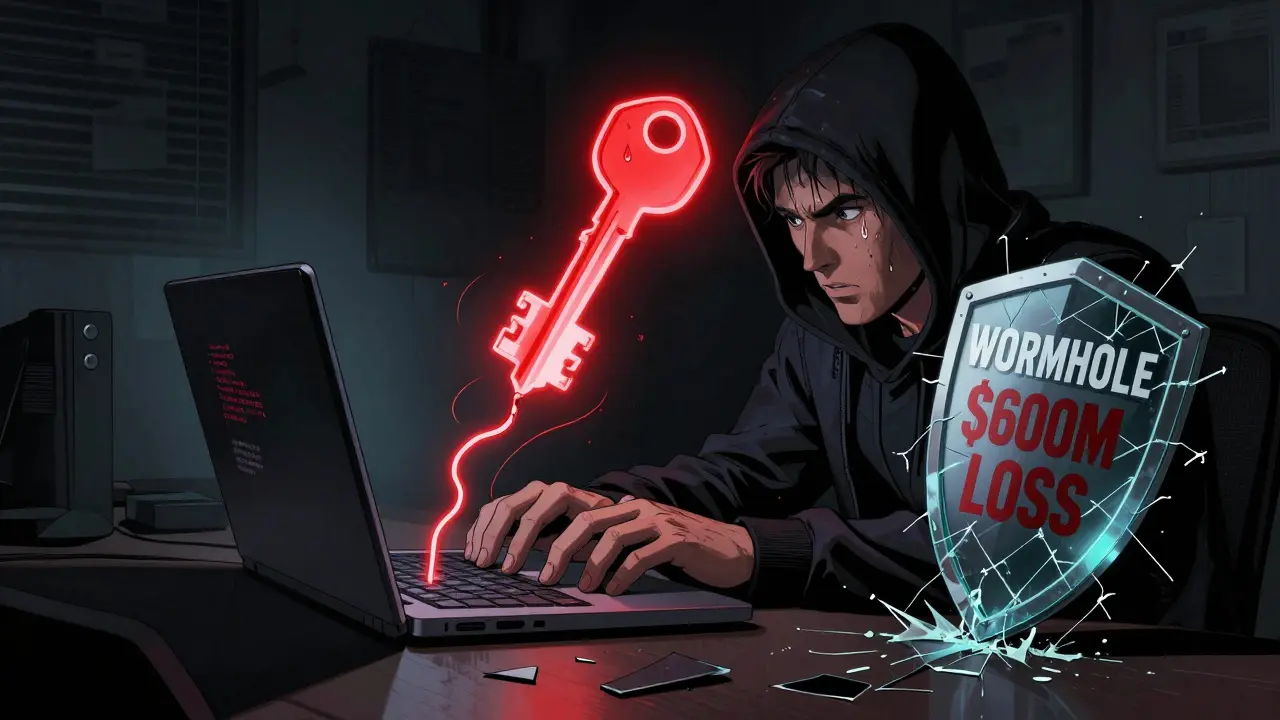
One wrong move with your private key, and your entire digital identity-your crypto, your contracts, your access-can vanish in seconds. No password reset. No customer support line. Just silence. In 2022, the Wormhole bridge lost $600 million because someone left a private key exposed on a server. That’s not a hypothetical. That’s reality. If you’re holding digital assets, running a node, or managing any blockchain-based system, how you store your private keys isn’t optional. It’s survival.
Why Private Keys Are the Most Important Thing You Own
Your private key is the only thing that proves you own your cryptocurrency, signs your transactions, and decrypts your communications. It’s not like a password. It’s not something you can change if it gets stolen. Once it’s out, it’s gone forever. No one else has it. No one else can get it back. That’s why storing it properly isn’t about being careful-it’s about being unbreakable. The biggest myth? That software wallets are safe enough. They’re not. If your computer gets infected with malware, your wallet file can be copied in milliseconds. Even if you think you’re safe because you’re not connected to the internet, a single USB drive, a misconfigured backup, or a phishing email can hand over your keys without you even knowing.Hardware Storage: The Gold Standard
The most secure way to store private keys is on hardware designed to never let them leave. These devices generate the key inside their own secure chip and never expose it to your computer, phone, or network. There are three main types:- Hardware Security Modules (HSMs): Used by banks, exchanges, and enterprises. These are physical boxes-like Thales nShield or YubiHSM 2-that meet FIPS 140-2 Level 3 or 4 standards. They handle encryption, signing, and key generation entirely inside tamper-resistant hardware. Entry-level models start around $2,000; enterprise versions cost $50,000+. They’re overkill for individuals but essential for any organization managing more than a few thousand dollars in crypto.
- USB Security Keys: YubiKey 5 Series is the most popular. Priced between $70 and $100, they work with SSH, Bitcoin, Ethereum, and WebAuthn. You plug it in, tap it, and it signs your transaction. No PIN? No access. No computer? No risk. Over 68% of enterprises now use them for employee authentication, and for good reason. They’re cheap, portable, and nearly impossible to hack remotely.
- Smart Cards: Like the OpenPGP Card v3.4, these fit in a reader and are used heavily in government and high-security environments. They’re slower than USB keys but offer similar protection with added physical control.
Why ed25519 Is the Only Key Type You Should Use in 2025
Not all keys are created equal. RSA keys? Outdated. ECDSA? Getting risky. The current standard is ed25519, an elliptic curve algorithm that’s faster, smaller, and more secure than anything else available. An ed25519 key is only 256 bits long. That’s less than 10% the size of a 3072-bit RSA key, but it offers the same security level. It’s also resistant to side-channel attacks and performs better on low-power devices. OpenSSH has recommended ed25519 since 2014. In 2025, Brandon Checketts, a top SSH security expert, says: “If you’re generating a new key, and you’re not using ed25519, you’re already behind.” Generating one is simple:- Run
ssh-keygen -t ed25519 -a 100in your terminal. - Use a strong passphrase-12+ characters, mix of letters, numbers, symbols.
- Never store the private key file on cloud drives, email, or unencrypted devices.
What If You Can’t Afford Hardware?
Not everyone can spend $2,000 on an HSM. But you can still be safe. If you’re storing keys on your local machine or server, follow these rules:- File permissions: Set your private key file to 400 or 600. On Linux/macOS, run
chmod 400 ~/.ssh/id_ed25519. That means only you can read it. - Encrypt the file: Use AES-256 to wrap your key. Tools like GPG or OpenSSL can do this. Even if someone copies the file, they can’t use it without the passphrase.
- Never export: Use tools like
certutil -importPFX [file] NoExporton Windows to block export from certificate stores. But know this: it’s not foolproof. Malware can still steal keys if they’re loaded into memory. - Isolate the key: Keep it on a separate, air-gapped machine. Not your work laptop. Not your main desktop. A dedicated device, turned off when not in use.
The Deadly Mistake Everyone Makes
The most common cause of key loss isn’t hacking. It’s human error. In 2021, Codecov’s CI/CD pipeline was breached because a private key was accidentally committed to GitHub. 29,000 customers were compromised. In 2024, a Reddit user lost $250,000 because a developer pushed a key to a public repo-even though the company required hardware tokens. The policy existed. The tool was there. But the process failed. Here’s how to avoid that:- Use git-secrets or truffleHog to scan your repos for keys before pushing.
- Never store keys in configuration files, Docker images, or environment variables unless encrypted and rotated daily.
- Implement SSH Certificate Authorities instead of sharing keys. Generate short-lived certificates signed by a central authority. Even if one is leaked, it expires in hours.
Physical-Key Encryption: The Next Level
A new trend is emerging: keys that can’t be stored digitally at all. Systems like Ciphertex SecureNAS Enterprise require a physical key-like a USB dongle or smart card-to be inserted before the system can boot or decrypt data. The private key never exists on the hard drive. It’s generated on the fly, only when the physical key is present. This isn’t sci-fi. It’s being used in military and healthcare systems where data must remain secure even if the device is stolen. It’s two-factor authentication built into the hardware. No password. No software. Just a physical object you must hold. The downside? It’s slow. It’s expensive. And if you lose the key, you lose everything. But for high-value assets, it’s the closest thing to perfect security we have today.Rotation, Monitoring, and Policy
Storing the key is only half the battle. You must also rotate it. Most breaches happen because old keys are left lying around. A 2024 Serverion study found 63% of organizations struggle with key rotation. They generate new ones, but forget to delete the old ones. Attackers wait. They watch. Then they use the forgotten key months later. Best practice:- Rotate keys every 90 days for active systems.
- Use automated tools like HashiCorp Vault or AWS KMS to handle rotation.
- Log every key access. If someone uses a key at 3 a.m. from a country you’ve never operated in, you need to know.
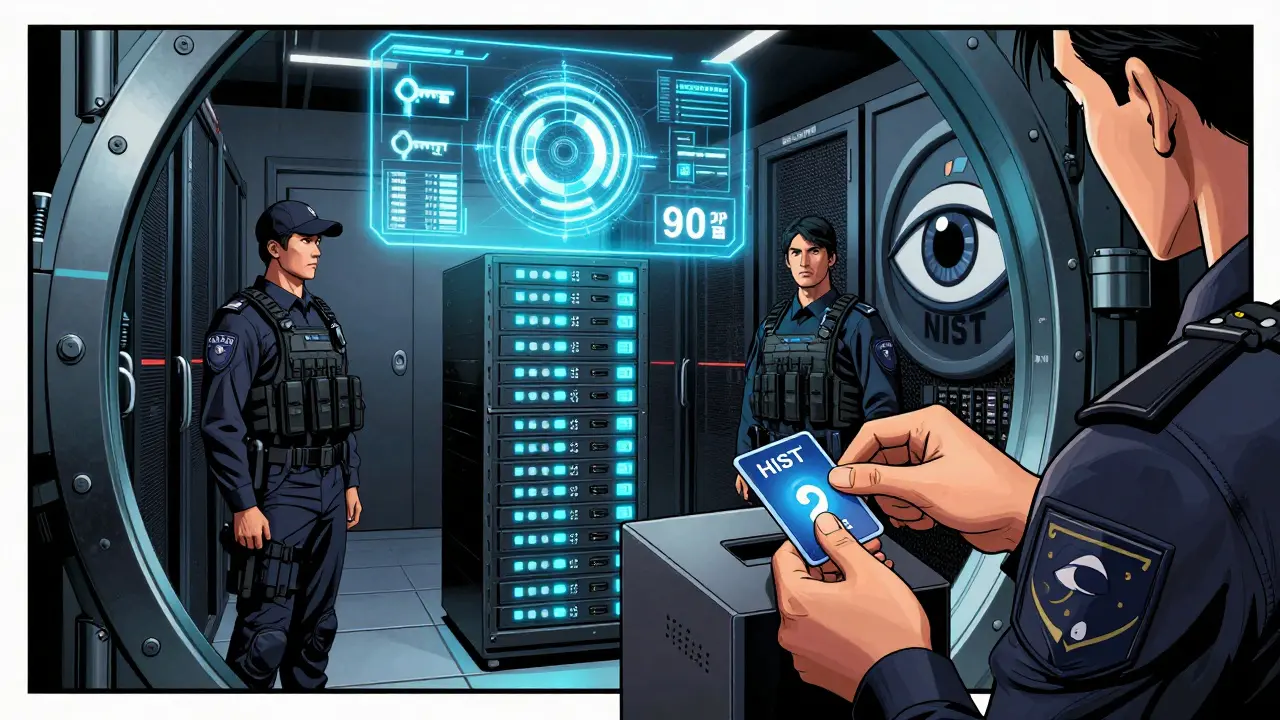
- Require two people to approve key generation or deletion. No exceptions.
What the Experts Say
Lily Chen, a senior cryptographer at NIST, put it bluntly at the 2024 RSA Conference: “70% of certificate breaches aren’t because the math was broken. They’re because someone stored the key on a laptop that got stolen.” Brandon Checketts’ rule is simple: “You should never share your private key with anybody. Ever.” Shared keys mean shared blame. If something goes wrong, you can’t trace it. Accountability vanishes. And while cloud services like AWS KMS make key management easier, they’re not magic. If you give AWS your key and don’t monitor access logs, you’re still vulnerable. The cloud doesn’t protect you. Your policy does.Real Results: What Works
A DevOps engineer on HackerNews shared that after switching 200 servers from RSA to ed25519 keys with YubiKeys, key-related security incidents dropped from 12 per quarter to zero over 18 months. Another team using Genetec’s non-exportable key settings cut certificate breaches by 78% in six months. The pattern? Hardware + automation + strict policy = zero incidents.Final Checklist: Your Private Key Survival Kit
- ✅ Use ed25519 keys only.
- ✅ Store keys on hardware: YubiKey, HSM, or smart card.
- ✅ Never store keys on cloud drives, email, or unencrypted devices.
- ✅ Set file permissions to 400 or 600.
- ✅ Encrypt key files with AES-256 if stored locally.
- ✅ Rotate keys every 90 days.
- ✅ Scan code repos daily for accidental key commits.
- ✅ Use SSH Certificate Authorities instead of shared keys.
- ✅ Require two-person approval for key changes.
- ✅ Audit access logs monthly.
If you follow even 7 of these, you’re already ahead of 90% of crypto users. Do all 10, and you’re operating at institutional-grade security.
Can I store my private key on a USB drive?
Only if it’s encrypted and never plugged into an internet-connected device. A plain USB drive is just as dangerous as leaving your key on your desktop. Use a YubiKey or similar hardware token instead. If you must use a USB drive, encrypt the key file with AES-256 and store the passphrase separately-ideally written down and locked in a safe.
Is a hardware wallet enough for private key storage?
It depends. Consumer hardware wallets like Ledger or Trezor are great for holding crypto balances, but they’re not designed for signing server-level transactions or SSH access. For blockchain infrastructure, node operators, or enterprise use, you need a FIPS-certified HSM or YubiKey. Hardware wallets are for users. HSMs and USB tokens are for systems.
What happens if I lose my YubiKey or HSM?
You lose access to everything tied to that key. That’s why you must have backups-multiple, secure, and offline. Store one backup in a fireproof safe, another in a trusted location (like a bank vault), and a third with a close, reliable person. Never store backups digitally. And always test your recovery process before you need it.
Can quantum computers break ed25519 keys?
Not yet, and not soon. While quantum computers threaten older algorithms like RSA, ed25519 is still considered quantum-resistant for now. However, NIST is already standardizing post-quantum algorithms like CRYSTALS-Kyber. If you’re managing long-term assets (5+ years), start planning for a migration to quantum-safe keys. For most users today, ed25519 remains secure for the foreseeable future.
Should I use cloud-based key management like AWS KMS?
Yes-if you understand the trade-offs. AWS KMS, Azure Key Vault, and Google Cloud KMS are secure and automate rotation, but they’re still software-based. Your keys are stored in the cloud, managed by someone else. For high-value keys, use them in hybrid mode: generate keys in an HSM, then import the public portion into the cloud service. Never let the cloud generate your master key.
How do I know if my private key has been compromised?
You won’t know until it’s too late. That’s why you need proactive monitoring: log every key usage, set alerts for unusual access times or locations, and scan for leaked keys using tools like GitHub’s secret scanning or HaveIBeenPwned’s key checker. If you see a key used from a new IP or device, assume it’s compromised and rotate immediately.




27 Comments
Nelson Issangya
December 7 2025Bro, I lost $80k last year because I stored my key on a USB I found in a parking lot. Don't be me. Buy a YubiKey. Now. No excuses.
It’s not about being paranoid. It’s about not being dead.
Hardware isn’t expensive-it’s cheaper than regret.
jonathan dunlow
December 8 2025Let me tell you something real-this isn’t just about crypto or SSH keys. This is about your digital soul. Every time you write a private key to a file, you’re essentially handing over the keys to your house to a stranger who might be watching from a server in Moldova. And no, your antivirus won’t save you. Malware doesn’t care if you’re ‘tech-savvy.’ It just waits. It’s patient. It’s silent. It doesn’t announce itself. It just copies your key while you’re scrolling TikTok at 2 a.m. I’ve seen it happen. I’ve helped clean up the mess. You think you’re safe because you don’t click links? Wrong. A single misconfigured CI/CD pipeline, a forgotten Docker build, a Slack message with an attachment-boom. Gone. Your life’s work. Your savings. Your reputation. All gone. And no, there’s no ‘contact support’ button. No refund. No second chance. That’s why I don’t just use hardware keys-I refuse to touch any system that doesn’t require physical presence to sign. No cloud-generated keys. No shared credentials. No exceptions. I even lock my YubiKey in a safe when I’m not using it. People laugh. Then they lose everything. Don’t be the guy who says ‘I’ll do it later.’ Later is when the breach happens. Do it now. Do it right. Your future self will thank you-or at least, they’ll still be alive to do it.
Chris Mitchell
December 9 2025ed25519 is the baseline. Everything else is a liability.
Hardware storage isn’t optional-it’s the minimum viable security.
Rotation isn’t a suggestion-it’s hygiene.
rita linda
December 9 2025Wow. So you’re telling me that normal people who don’t have $2,000 to burn on a ‘FIPS-certified’ box are just doomed? That’s rich. I guess only Silicon Valley elites deserve to own crypto. Meanwhile, in the real world, people use encrypted USBs and paper wallets-and they’re fine. Your ‘gold standard’ is just elitist FUD wrapped in corporate jargon. If your security model requires a $50k box, you’re not securing assets-you’re creating a luxury cult.
Also, ‘ed25519’ isn’t magic. It’s just math. And math can be broken. Quantum computing isn’t ‘someday’-it’s coming. And you’re all still sleeping.
Martin Hansen
December 10 2025You people are hilarious. You spend 2000 bucks on a YubiKey but still use Gmail to back up your seed phrase? LMAO. I’ve seen devs who use hardware tokens but store their passphrases in Notes.app. That’s not security. That’s performance art.
Real security? No cloud. No phone. No computer. Just a metal plate with the key engraved, locked in a safe, and a single trusted human who knows the combination. And you? You think a USB drive is ‘secure’ if you ‘encrypt it.’ Nah. You’re just giving yourself a warm fuzzy feeling while the malware laughs.
Also-ed25519? Cute. But if your key is in memory, it’s already gone. You’re not protecting keys-you’re just doing theater.
Scott Sơn
December 10 2025My private key is currently floating in a lava lamp inside a lead-lined vault in the Nevada desert. I don’t even know where it is. I just know that if I die, my sister gets the combination to the vault… and the password to my will.
But honestly? I think keys should be tattooed on your eyeballs. That way, even if you get kidnapped, you can’t be forced to give it up-because your eyes are your eyes, man. And no cop in the world is gonna peel your cornea off for a Bitcoin wallet.
Also, I once had a key stolen by a raccoon. Don’t ask. Just use a YubiKey. And maybe get a dog.
Sandra Lee Beagan
December 10 2025As someone who works in Canadian government systems, I can confirm: air-gapped machines + smart cards are the only way to go. We use OpenPGP cards for everything-even for signing internal emails. It’s slow, yes, but when you’re protecting citizen data, speed isn’t the goal. Integrity is.
Also, never underestimate the power of a physical key. I’ve seen hackers breach firewalls, but they can’t touch a card that’s locked in a safe with a biometric lock. It’s not tech-it’s ritual. And rituals matter.
And yes, I still write my passphrase on paper and keep it in a drawer. No cloud. No phone. Just ink and wood.
Peace.
Ben VanDyk
December 11 2025‘Set file permissions to 400’ - you mean chmod 400? You missed the space. And ‘AES-256’ is not a tool. It’s an algorithm. You can’t ‘use AES-256’ like it’s a CLI command. Also, ‘certutil -importPFX [file] NoExport’ doesn’t work on Linux. You’re mixing Windows and Unix syntax. This whole post reads like a StackOverflow answer written by someone who googled ‘how to secure keys’ and copy-pasted without testing.
Also, ‘never store on cloud drives’ - yeah, but you didn’t mention that most people use iCloud or Google Drive for backups. So your advice is useless to 90% of readers.
Fix your grammar. Then fix your advice.
Barb Pooley
December 13 2025EVERYTHING IS A GOVERNMENT TRAP.
YubiKeys? Made by Yubico. Who owns Yubico? Who owns the chip manufacturers? Who owns the semiconductor fabs? It’s all controlled by the same shadowy cabal that runs the Fed.
They want you to think you’re safe with hardware. But what if the key was backdoored at the factory? What if the ‘secure chip’ is just a camera that sends your keystrokes to Fort Meade?
And ed25519? That’s not quantum-resistant-it’s quantum-optimized. They’re preparing for the takeover.
My key? I wrote it on a napkin. Burned it. Ate the ashes. Then I pooped it out. Now it’s in the soil. Can’t hack soil.
They can’t track soil.
They can’t touch soil.
Soil is free.
And so am I.
Shane Budge
December 13 2025What’s the best way to back up a YubiKey?
sonia sifflet
December 15 2025Listen here, you Americans with your YubiKeys and your HSMs-you think security is about gadgets? No. Security is about discipline. In India, we don’t need fancy boxes. We use handwritten copies kept in three different temples. One in Delhi, one in Chennai, one in Varanasi. Priests guard them. No electricity. No internet. Just faith and fire.
And guess what? We’ve never had a breach.
Your ‘crypto’ is just a distraction. Real wealth is in knowledge. And knowledge? It’s not stored on chips. It’s stored in the mind.
So stop wasting money. Learn. Remember. Be the key.
Chris Jenny
December 16 2025THEY’RE WATCHING YOU. I KNOW THEY ARE. I SAW THE CAMERA IN MY CHARGER. I SAW THE LIGHT BLINK WHEN I PLUGGED IN MY YUBIKEY. THEY’RE USING THE CHARGE CABLE TO TRACK EVERY KEYPRESS. I’M NOT USING ANYTHING ELECTRONIC ANYMORE. MY KEY IS WRITTEN ON A LEAF. I BURIED IT UNDER A TREE IN THE BACKYARD. I WATER IT EVERY MORNING. IF I DIE, THE TREE WILL GROW AND THE LEAF WILL ROT AND THE KEY WILL BECOME PART OF THE EARTH. NO ONE CAN STEAL THAT. NO ONE CAN HACK THAT. NOT EVEN THE CIA. THEY CAN’T DIG DEEP ENOUGH.
AND IF YOU’RE USING CLOUD SERVICES? YOU’RE ALREADY DEAD. YOU JUST DON’T KNOW IT YET.
Uzoma Jenfrancis
December 17 2025Why do you think they made ed25519? Because they knew RSA was weak. But they didn’t want you to switch to something better. They wanted you to trust their ‘new standard.’ That’s how control works. You think you’re secure? You’re just following the script.
My key? I memorized it. 128 characters. No paper. No device. Just my brain. And I don’t use it often. Only once a year. That’s the real security. If you don’t use it, they can’t steal it.
Also, I don’t have a phone. No Wi-Fi. No laptop. Just a typewriter and a library card. They can’t hack silence.
Elizabeth Miranda
December 18 2025I love how this post treats security like a checklist. ‘Do 7 of these and you’re ahead of 90%.’
But what about the people who can’t afford hardware? Or who live in countries where YubiKeys are banned? Or who are refugees with no access to anything but a $50 Android phone?
Security shouldn’t be a privilege. It should be a right.
Maybe the real problem isn’t how we store keys-it’s that we’ve built a system where only the rich can be safe.
Just food for thought.
Chloe Hayslett
December 20 2025Oh wow. So I’m supposed to spend $2,000 on a box so I can ‘feel safe’ while my landlord still steals my WiFi and my employer monitors my Slack?
Let me guess-you also lock your toothbrush in a vault and only brush your teeth with a keycard.
Real talk: if you’re storing crypto, you’re already gambling. This post just gives you a fancy poker chip to hold while you lose.
Jonathan Sundqvist
December 22 2025YubiKeys are cool and all, but if you’re still using SSH keys for anything important, you’re already behind. Use WebAuthn. Use passkeys. They’re built into iOS, Android, Windows 11-everything. No USB needed. No extra hardware. Just your phone or fingerprint.
And if you’re still writing keys to files? You’re living in 2012.
Also, ‘rotate every 90 days’? Nah. Just use short-lived certs. Done.
Stop overcomplicating it.
Thomas Downey
December 22 2025It is profoundly disheartening to witness the casual disregard for cryptographic hygiene in contemporary digital culture. The notion that one may ‘afford’ to bypass FIPS-certified hardware is not merely negligent-it is an affront to the foundational principles of information security. One does not store nuclear codes on a USB drive, yet we permit private keys to be handled with the same levity as a grocery list. This is not a technical issue. It is a moral failure. The proliferation of ‘user-friendly’ tools has birthed a generation of digital serfs who mistake convenience for security. The solution is not cheaper hardware. It is cultural recalibration. We must re-educate. We must demand rigor. We must refuse to normalize the abdication of responsibility. Anything less is complicity.
Annette LeRoux
December 23 2025Just wanted to say-this post made me cry 😭
Not because I’m scared, but because I finally feel seen.
I’ve been using a YubiKey for 3 years. I keep my backup in a metal box under my bed. I rotate keys every 90 days. I don’t use cloud services for master keys.
And I still feel like I’m doing it wrong.
Thank you for reminding me I’m not crazy.
And yes, I wrote my passphrase on paper and hid it in a book. The book is called ‘The Art of War.’
It’s on my shelf. Right next to my plants. 🌿
Jerry Perisho
December 25 2025Use ed25519. Use hardware. Don’t store keys on cloud. Rotate. Audit.
That’s it.
Everything else is noise.
Manish Yadav
December 26 2025Why are you all so scared? Just put your key on a flash drive and forget it. If someone steals it, they’re stupid. If you lose it, you were dumb to trust a machine anyway. Crypto is for brave people. Not for people who need a YubiKey to sleep at night.
My key is on my phone. I don’t care. If I lose it, I lose it. Life goes on.
Stop overthinking. Start living.
Vincent Cameron
December 27 2025Is security an illusion? Or is it just the ritual we perform to convince ourselves we are not powerless?
We build vaults. We write keys on paper. We bury them. We burn them. We memorize them.
But in the end, the key is just a symbol. The real power was never in the bits-it was in the belief that we could control something so fragile.
Maybe the most secure key is the one you never generated.
Maybe the most secure life is the one you never connected.
Krista Hewes
December 29 2025i just used a usb drive i found in the park lol
it had a key on it already… i think it was from like 2021?
so i just used it and now i have 300 btc??
idk if its legit but i’m not complaining 😅
also i wrote my pass on a napkin and lost it but i remember the first word was ‘coffee’
so i’m trying ‘coffee123’ ‘coffee!’ etc..
if i lose it i lose it lol
life is short
Noriko Robinson
December 29 2025I used to be paranoid. Then I realized: most people don’t even know what a private key is.
So why stress? I use a YubiKey. I rotate. I audit.
But I also accept that if someone really wants my key, they’ll get it.
So I focus on what I can control: my habits, not my fears.
And I try to help others learn without shaming them.
Security isn’t about perfection.
It’s about showing up.
And I show up.
Every day.
Mairead Stiùbhart
December 31 2025Oh wow, you’re telling me I need to spend a grand on a stick because I don’t want my Bitcoin stolen?
Meanwhile, my Irish granny keeps her life savings in a tin under the bed.
And she’s never been hacked.
She doesn’t even have a computer.
Maybe the real lesson here isn’t about keys.
It’s about not having anything worth stealing.
Doreen Ochodo
December 31 2025Hardware. Rotation. No cloud. Done.
Now go make coffee.
Shane Budge
January 1 2026Thanks for the answer. I meant: how do you back up a YubiKey if it breaks? Can you clone it?
Chris Mitchell
January 2 2026You can’t clone a YubiKey. That’s the point.
Backup your key material-before you load it onto the device.
Store the private key file (encrypted) on multiple offline media.
Then load it onto the YubiKey only when needed.
Never rely on the device as your only copy.